


Smart Features for Smarter Planning.
Modern & Intuitive Design
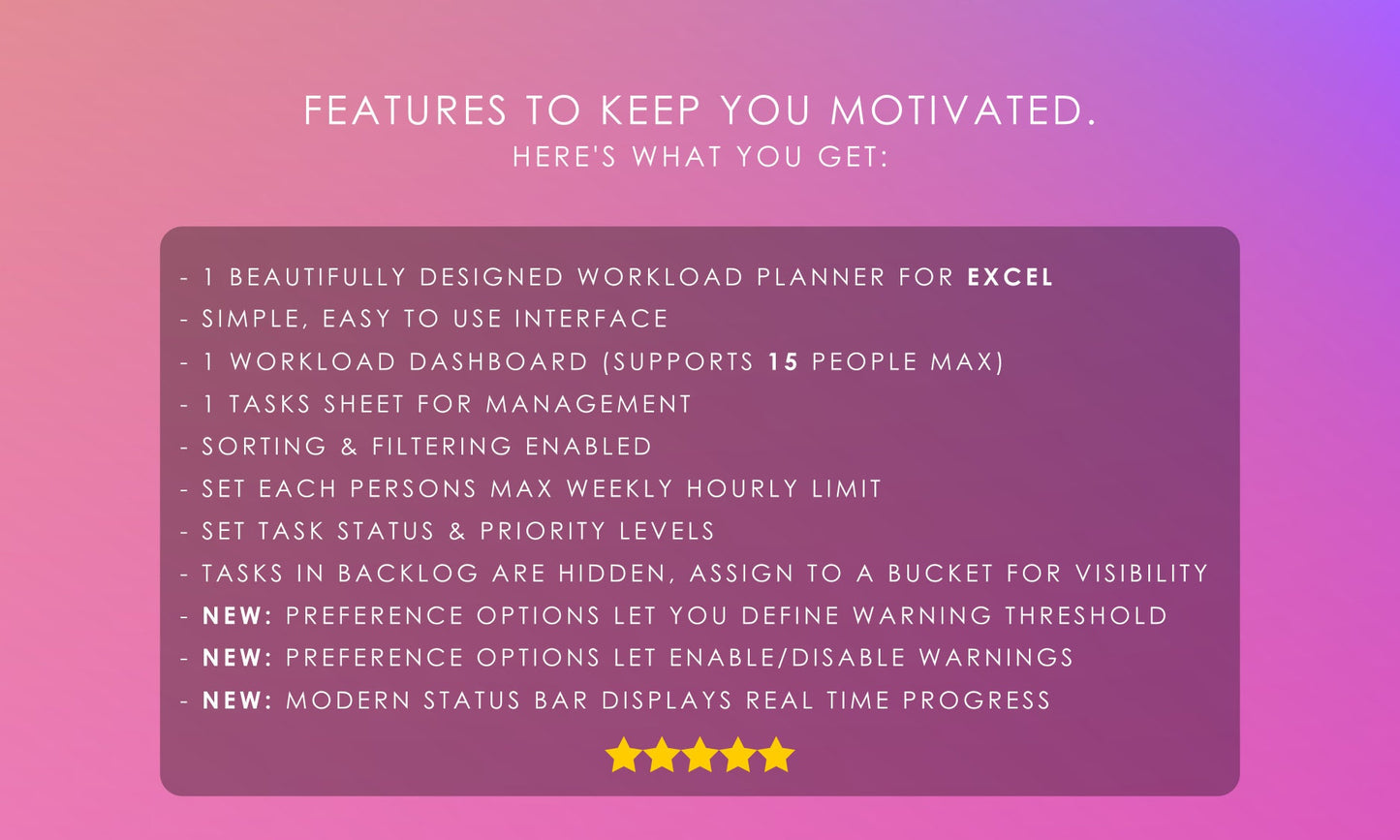
Plan and manage your team’s weekly workload seamlessly with a modern, intuitive design.
Comprehensive Task Management
The Tasks Sheet serves as your task management hub, allowing you to delegate tasks, assign statuses, priorities, due dates, progress percentages, estimated hours, and notes.
Task Delegation
Delegate tasks to up to 15 team members for effective collaboration and workload distribution.
7-Week Workload Overview
The Workload Sheet provides a 7-week overview of team members’ workloads, showing hours tallied per person per week.
Automatic Hour Calculation
Smart algorithms automatically calculate total hours per week per person, offering unparalleled workload visibility.
Customizable Work Hour Limits
Customize maximum work hours per person per week, with color-coded highlights for workloads nearing or exceeding thresholds.
Flexible Weekly Viewing Options
Navigate through 52 weeks using a dropdown list to view specific weeks and their subsequent six weeks for focused task tracking.
Real-Time Status Bar Insights
Modern status bar provides real-time insights, such as today’s date, staff count, total tasks, active tasks, late tasks, completed tasks, and progress indicators.
Proactive Workload Warnings
Proactively identify workload imbalances with intuitive red and yellow color-coded warnings for overburdened weeks.
Task Progress Tracking
Track progress percentages for tasks, with automatic color-coded updates (e.g., 100% = Green).
Fully Customizable Planner
Plan ahead effectively by customizing the Workload Planner to suit your team’s unique needs.
Dynamic Weekly Dashboard
The Workload Dashboard dynamically updates to display the selected week’s workload in detail, ensuring clarity and focus.
Pixel-Perfect Minimalist Design
Streamlined design ensures the planner feels clean and efficient, avoiding clutter and overload.
Attractive Color Palette
An attractive color palette enhances usability and turns workload tracking into an enjoyable experience.
Overdue Task Highlighting
Quickly identify late tasks with overdue dates automatically highlighted for immediate attention.
Ready to go in 3 steps
Instant Delivery
Check your inbox immediately after purchase for your access link.
Open Spreadsheet
Launch your system in Excel or Google Sheets to start tracking.
Start Tracking
Log your data and take total control of your organization.
Product Details
Introducing Workload Planner for Excel - a revolutionary tool that allows you to visualize your teams weekly workload with ease.
Instant Digital Download. You will receive an automated email with your download links immediately after purchase. No physical package—you’ll get instant access to the files you need.
Simply save the files to your computer or upload them to Google Drive to begin using your system right away.
Everything you need to know.
Is this a one-time purchase?
Excel vs. Google Sheets: Which should I choose?
How many devices can I use this on?
I'm not an "Excel Expert"—is it hard to use?
Still not sure? See what others say.
Join over 9,000 customers who have organized their lives with Bobcat Planners. Read our verified 5-star reviews on Etsy to see why our systems are the top choice for pros and individuals alike.